Welcome to Bitbybit
Bitbybit is a platform for parametric 3D on the web. You describe a shape by its rules - its sizes, its steps, how one part follows another - and changing a rule rebuilds it. Underneath sit real CAD kernels, OpenCascade, Manifold, JSCAD and an IFC library, compiled to run in a browser, in Node or on our servers.
You can reach them in the way that suits you:
- Wire nodes in Rete, snap blocks in Blockly or write code in the TypeScript editor, all free and in the browser.
- Model by clicking in the Designer, a parametric CAD modeller of the Gold plan.
- Build it into your own product with the free npm packages, a one-file runner, or the CAD Cloud API on our servers.
- Let an AI agent do it, with the exact API from the Bitbybit CAD MCP.
- Sell it: 3D Bits puts 3D viewers and product configurators on Shopify stores.
Built with Bitbybit
Every model on this page is parametric: change a number and it is built again, exactly, ready to export to STEP or glTF.
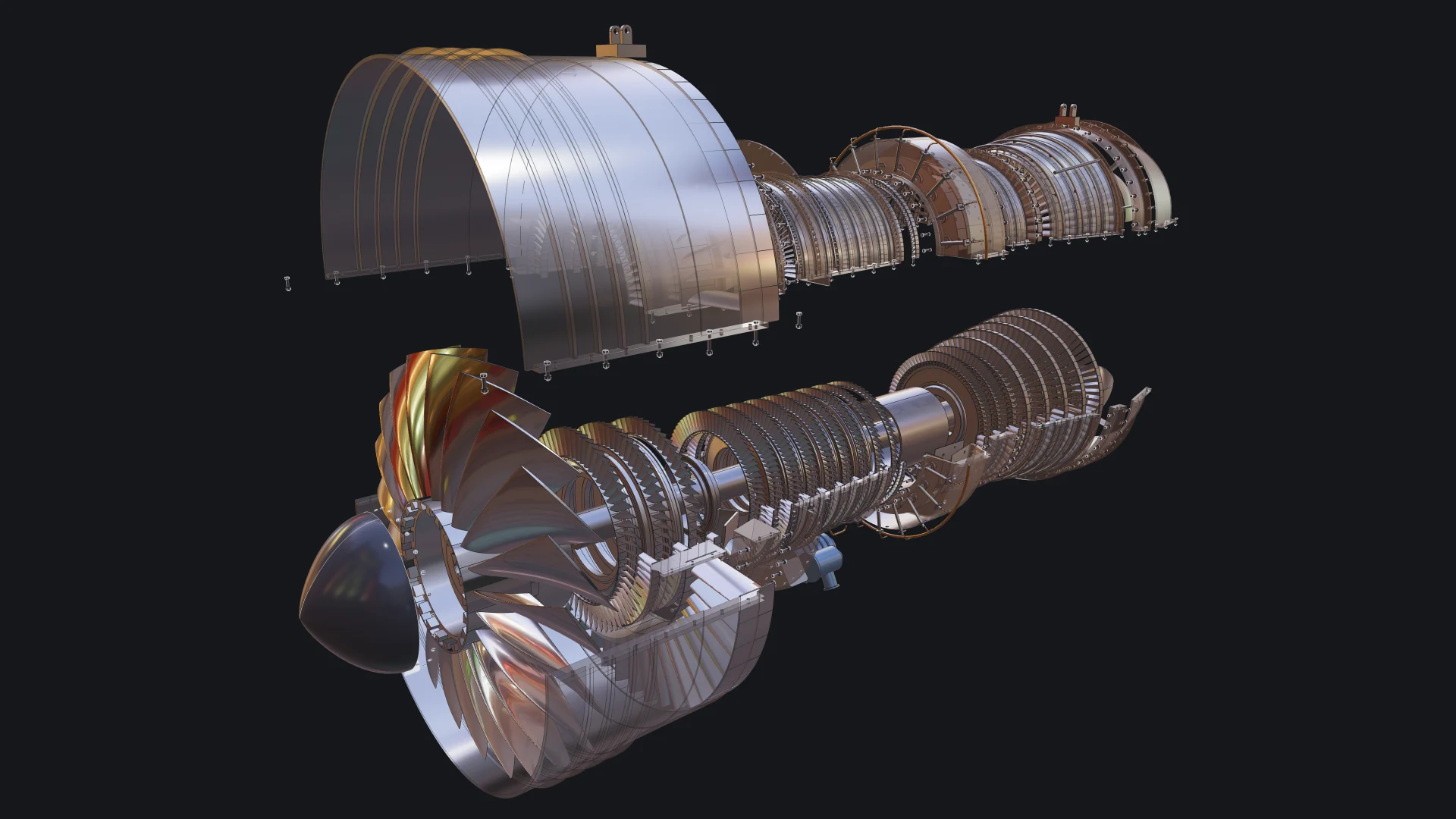
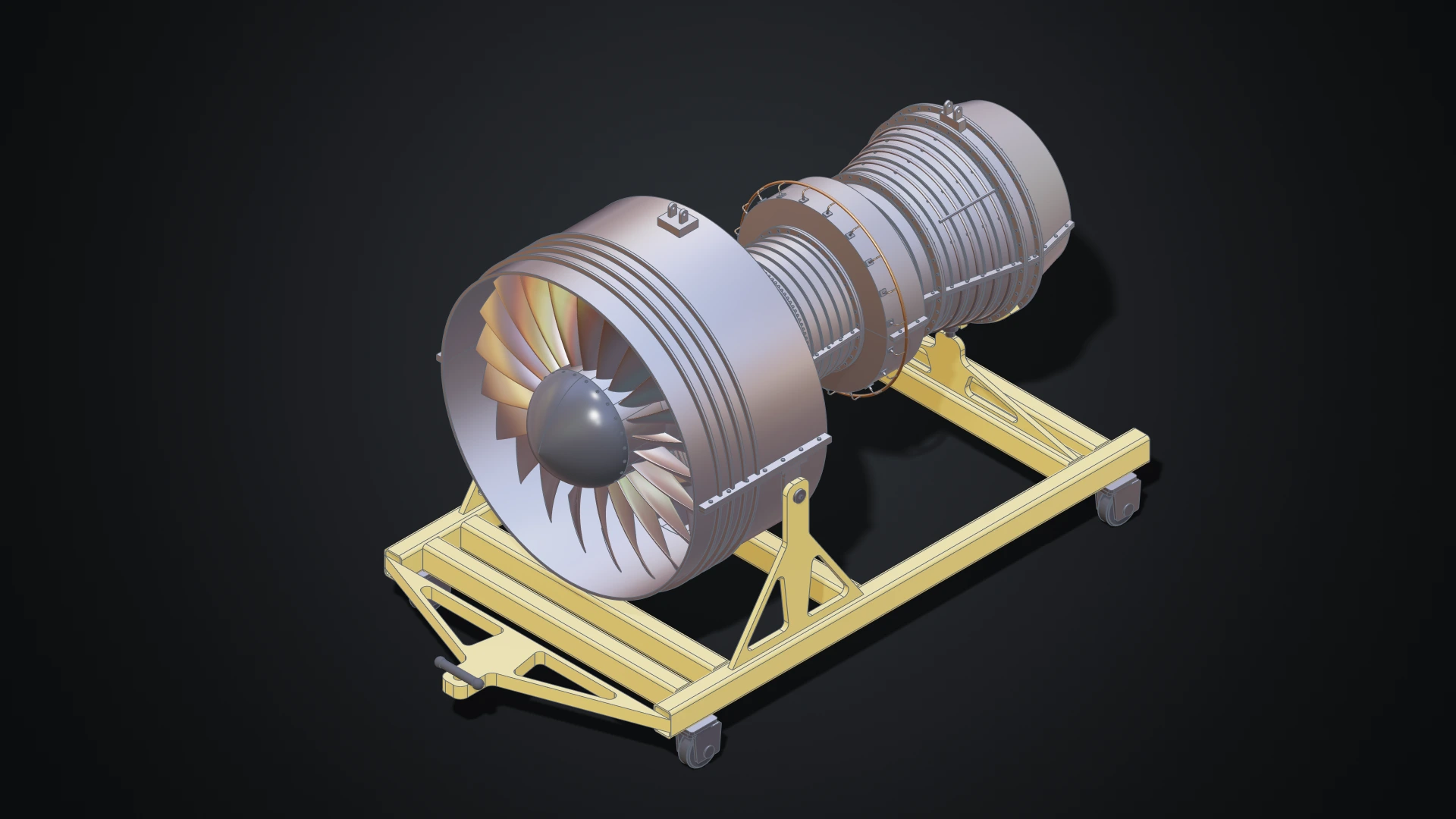
A jet engine, written by an AI agent
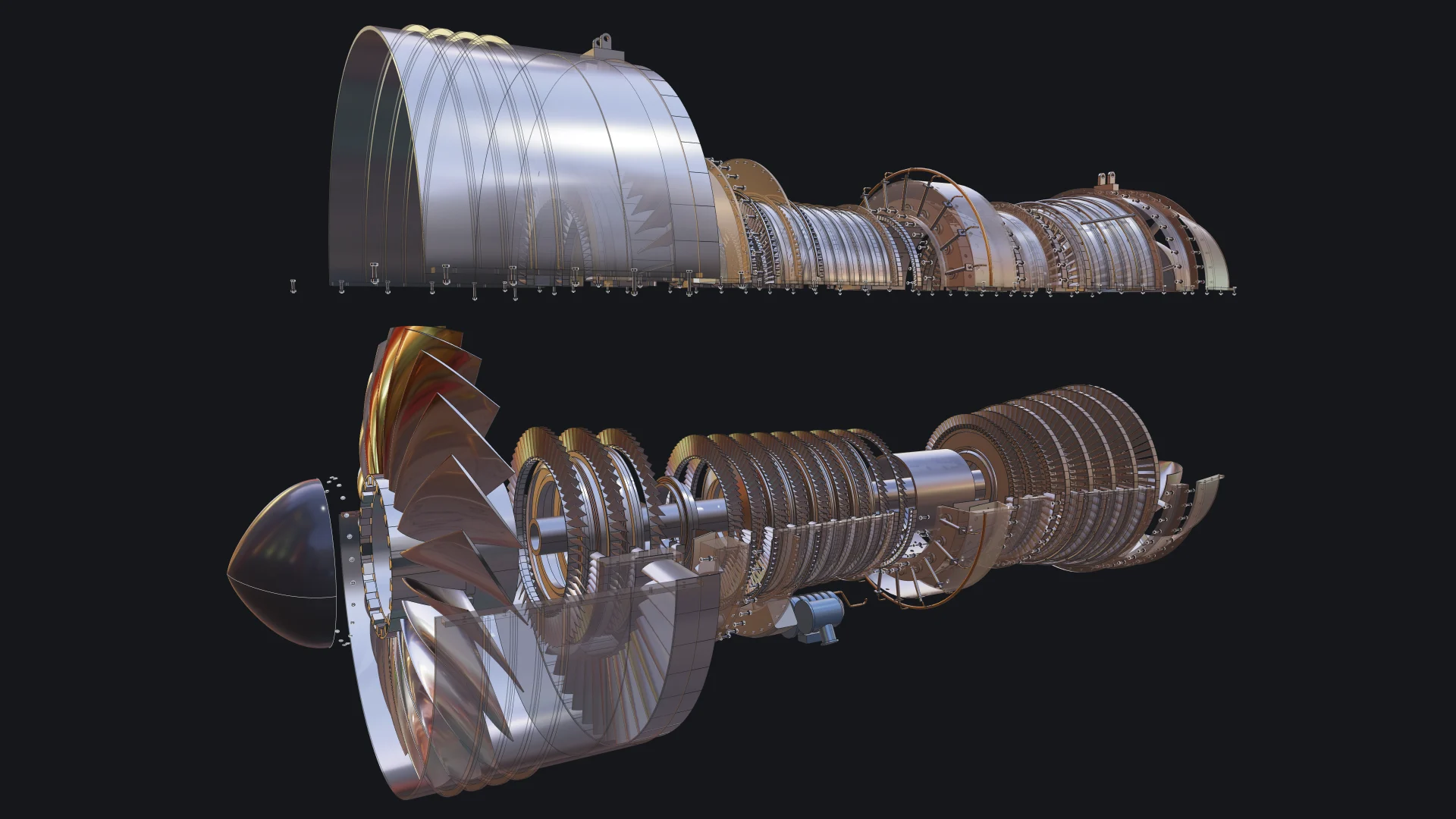
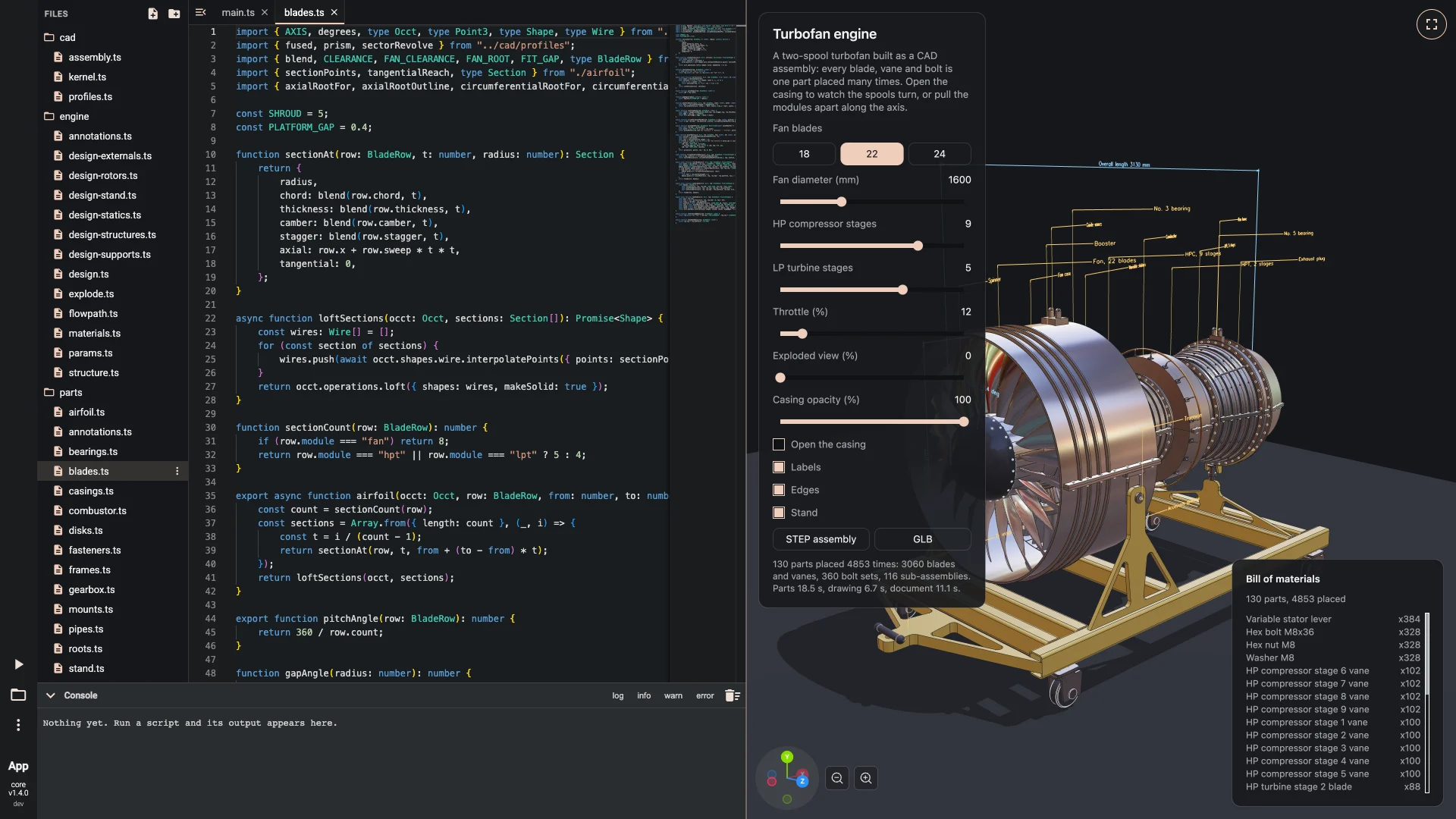
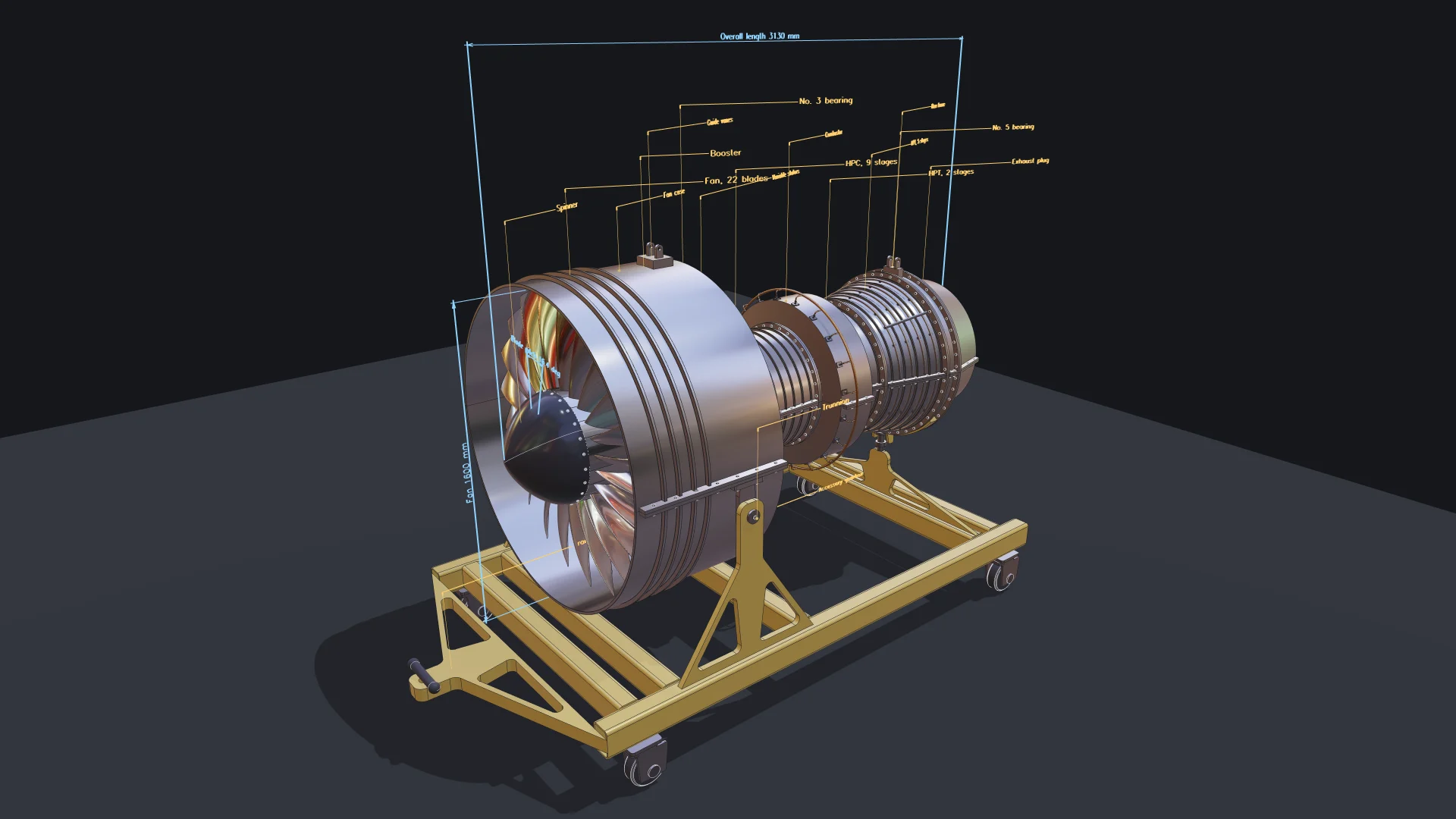
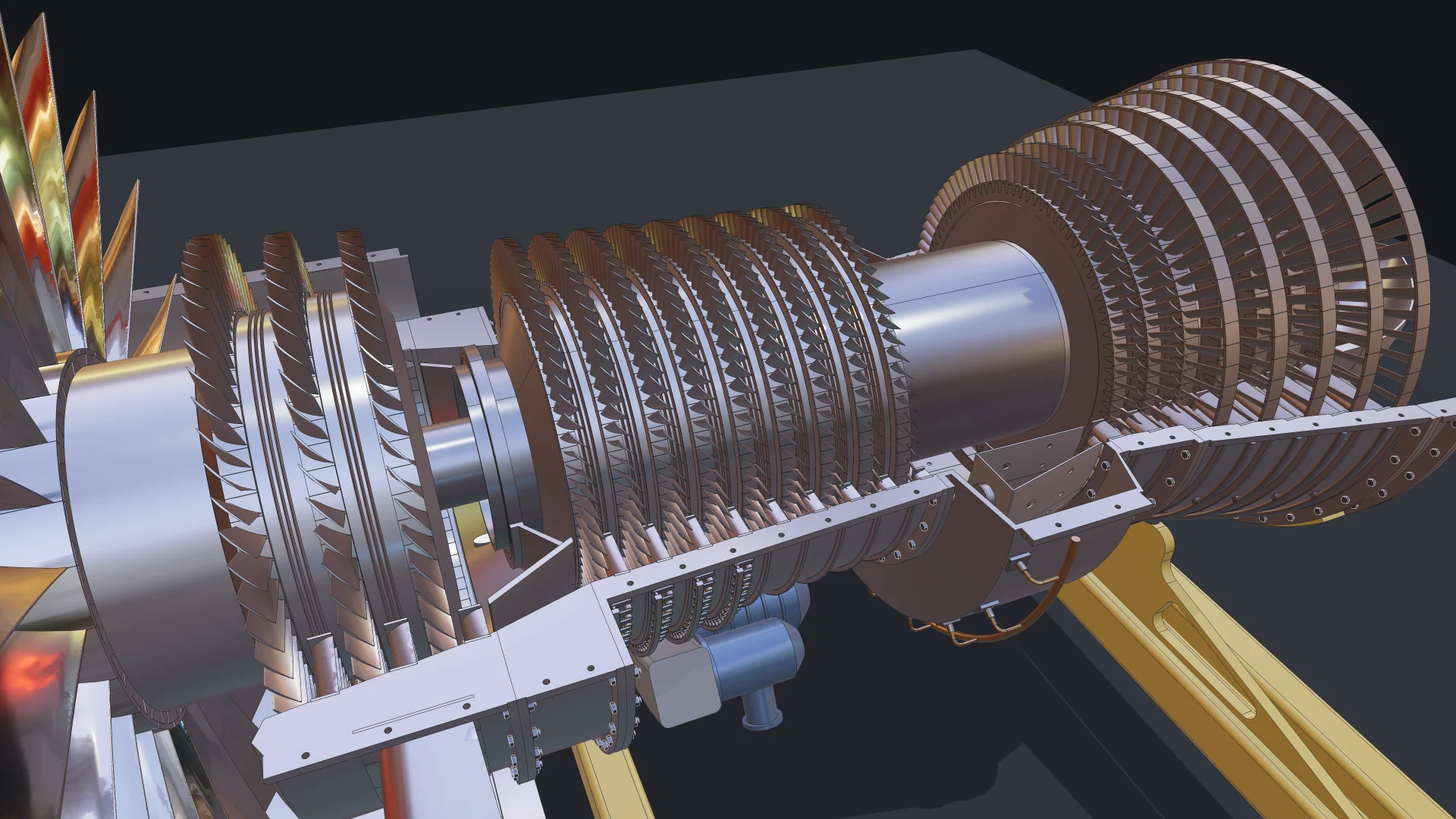
A two-spool turbofan with 130 unique parts placed 4,853 times: blades seated in slotted disks, bolted flanges, a casing that opens, an exploded view and a transport stand. An AI coding agent wrote it in TypeScript, looking up the exact API through the Bitbybit CAD MCP, and it now opens as a multi-file project in the TypeScript editor, with sliders for the fan blades, the stages and the throttle, labels, a bill of materials and STEP and GLB downloads. Read how it was made.
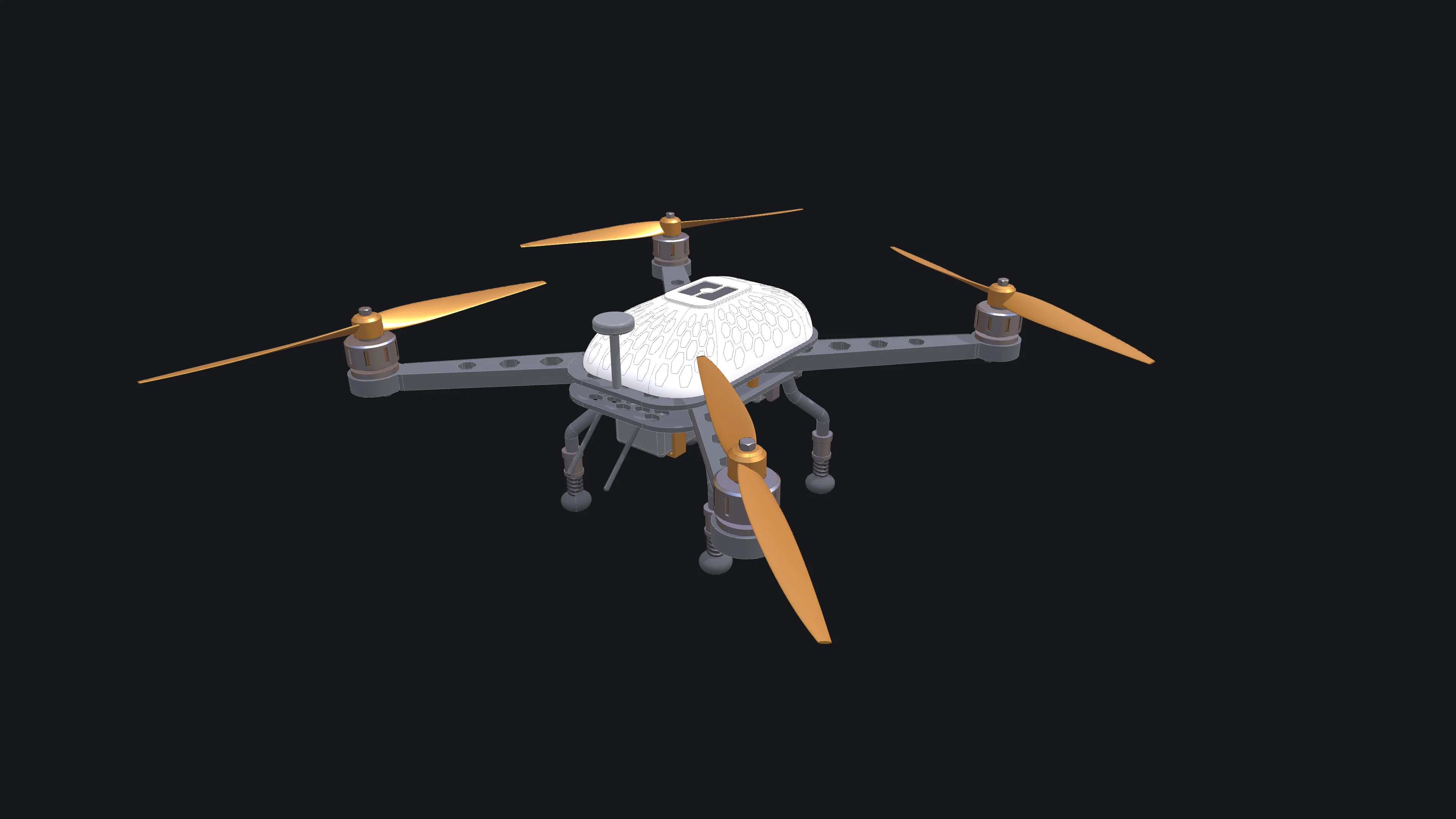
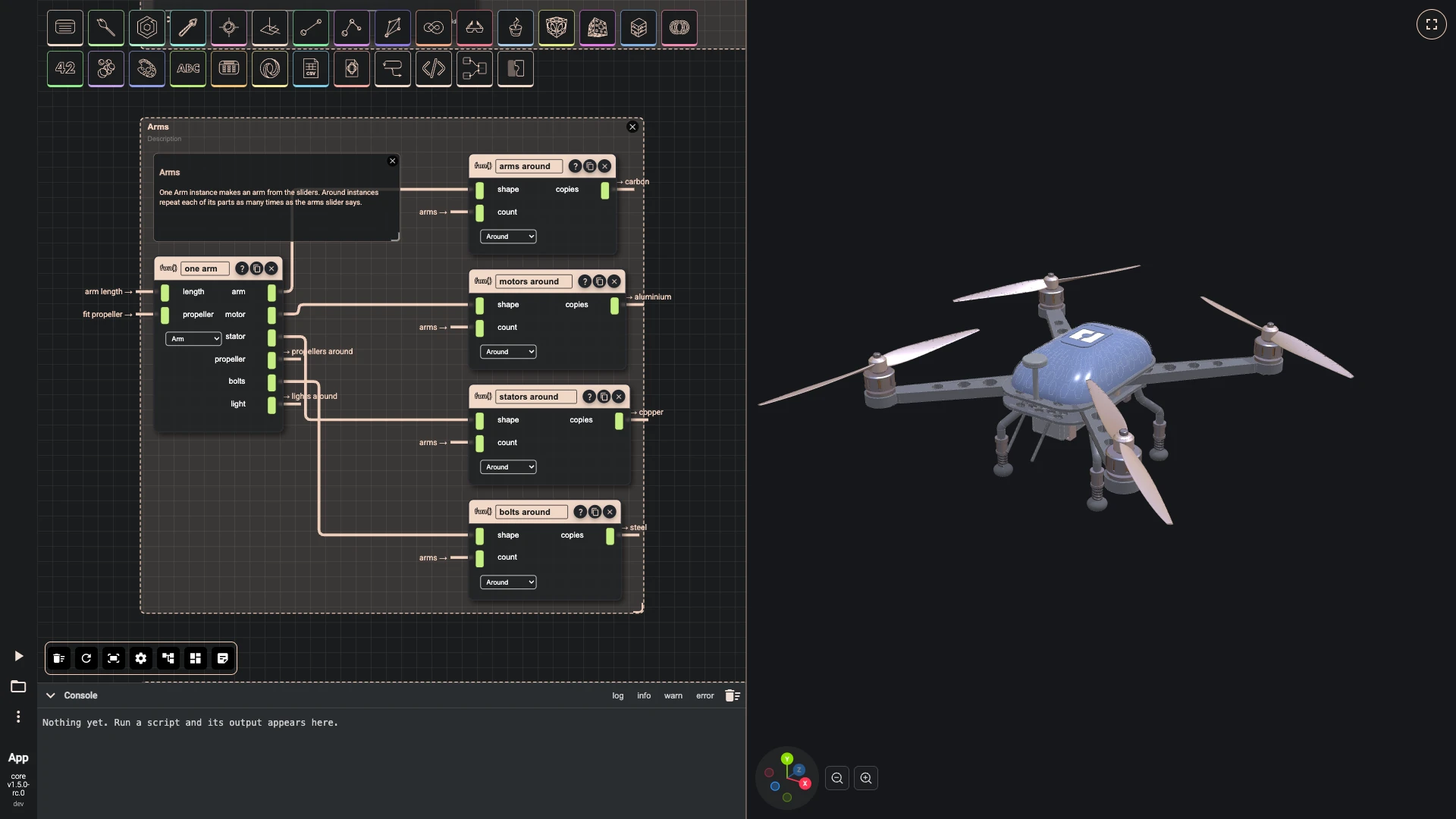
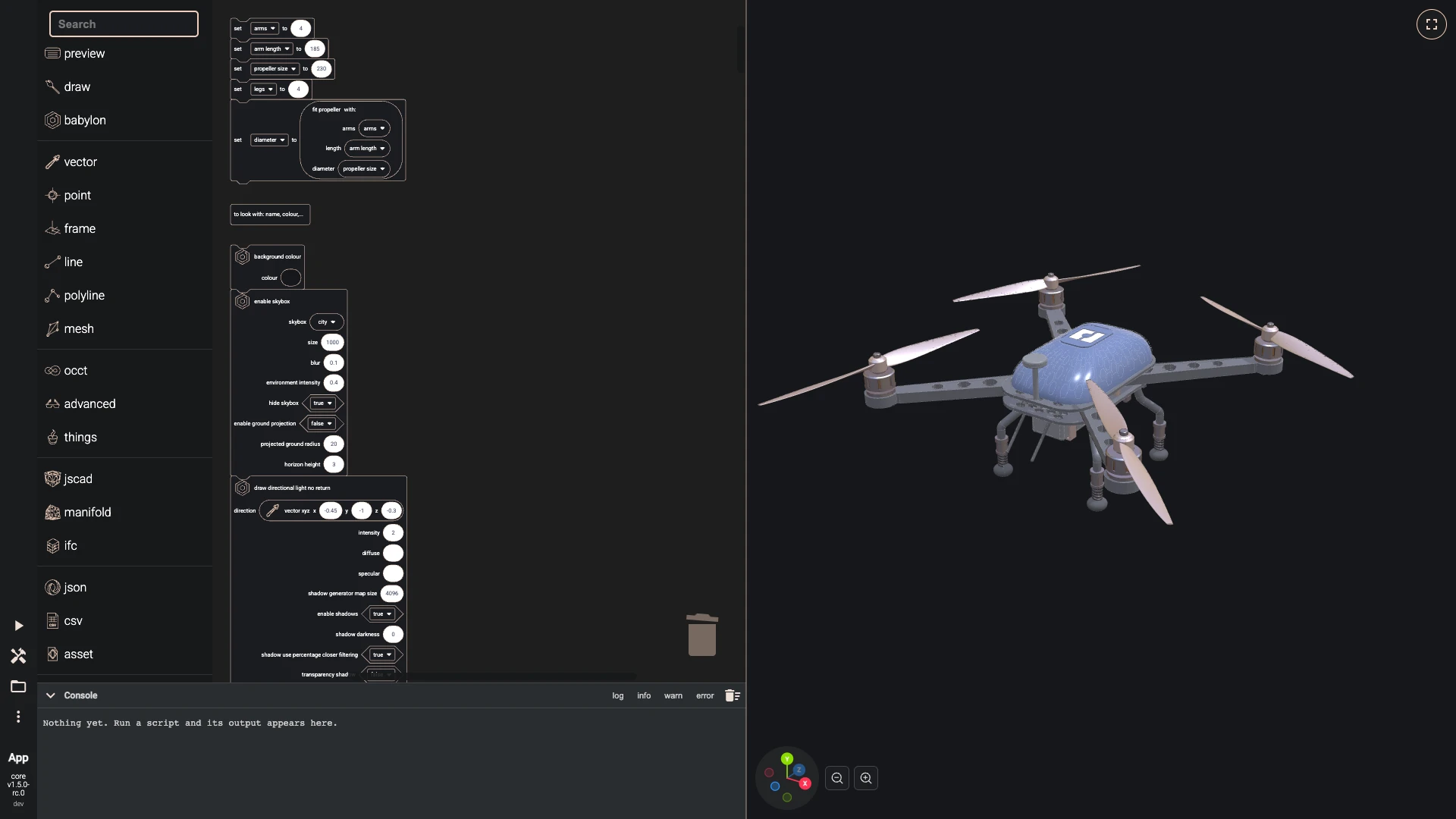
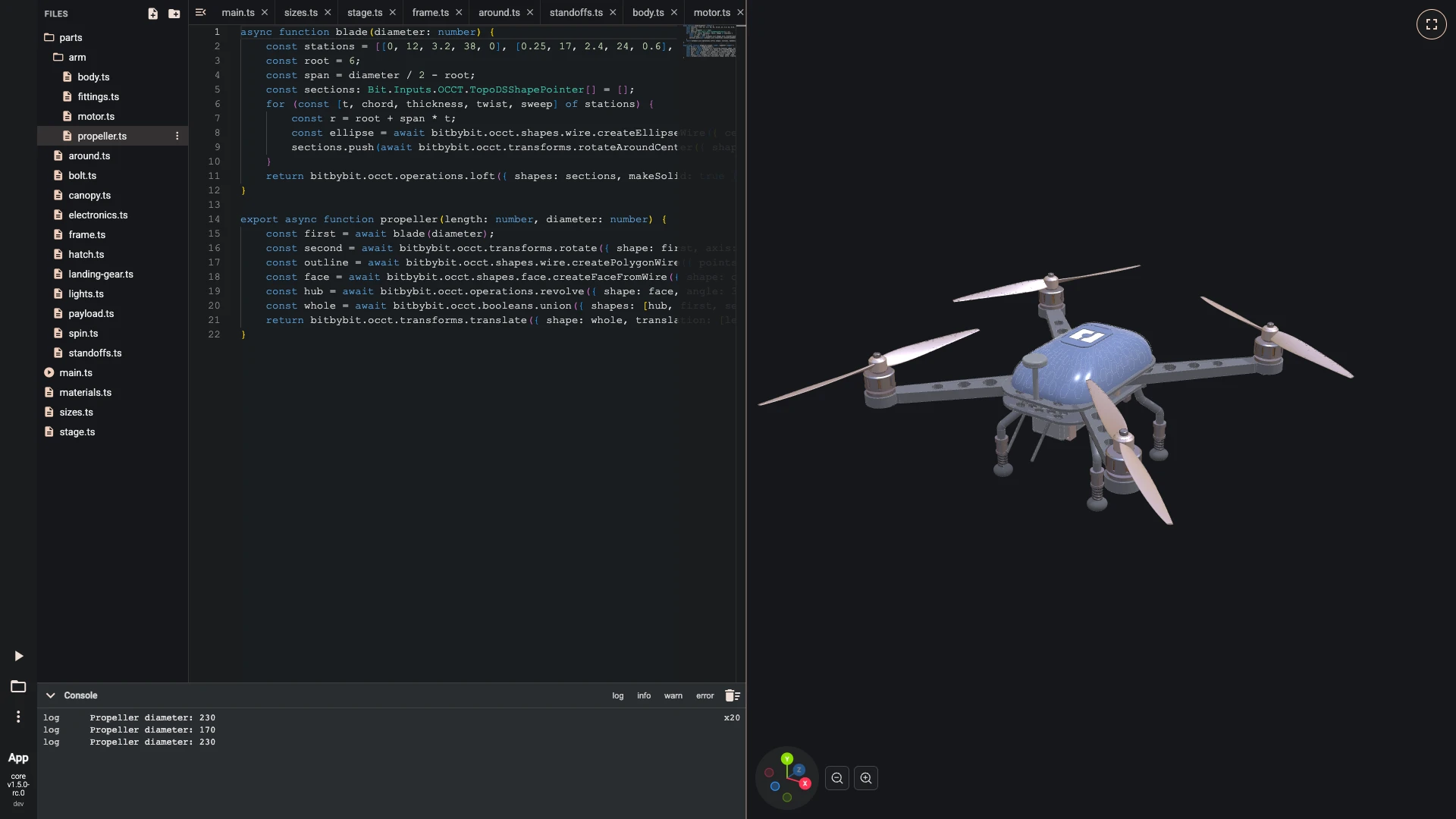
A drone, three ways
A quadcopter with its frame, arms, motors, propellers, canopy, landing gear and camera, built step by step in each of the three coding editors: as a graph of nodes and modules in Rete, as blocks in Blockly and as code in TypeScript. The same model, the same API, whichever way of working suits you.
Assemblies in the Designer
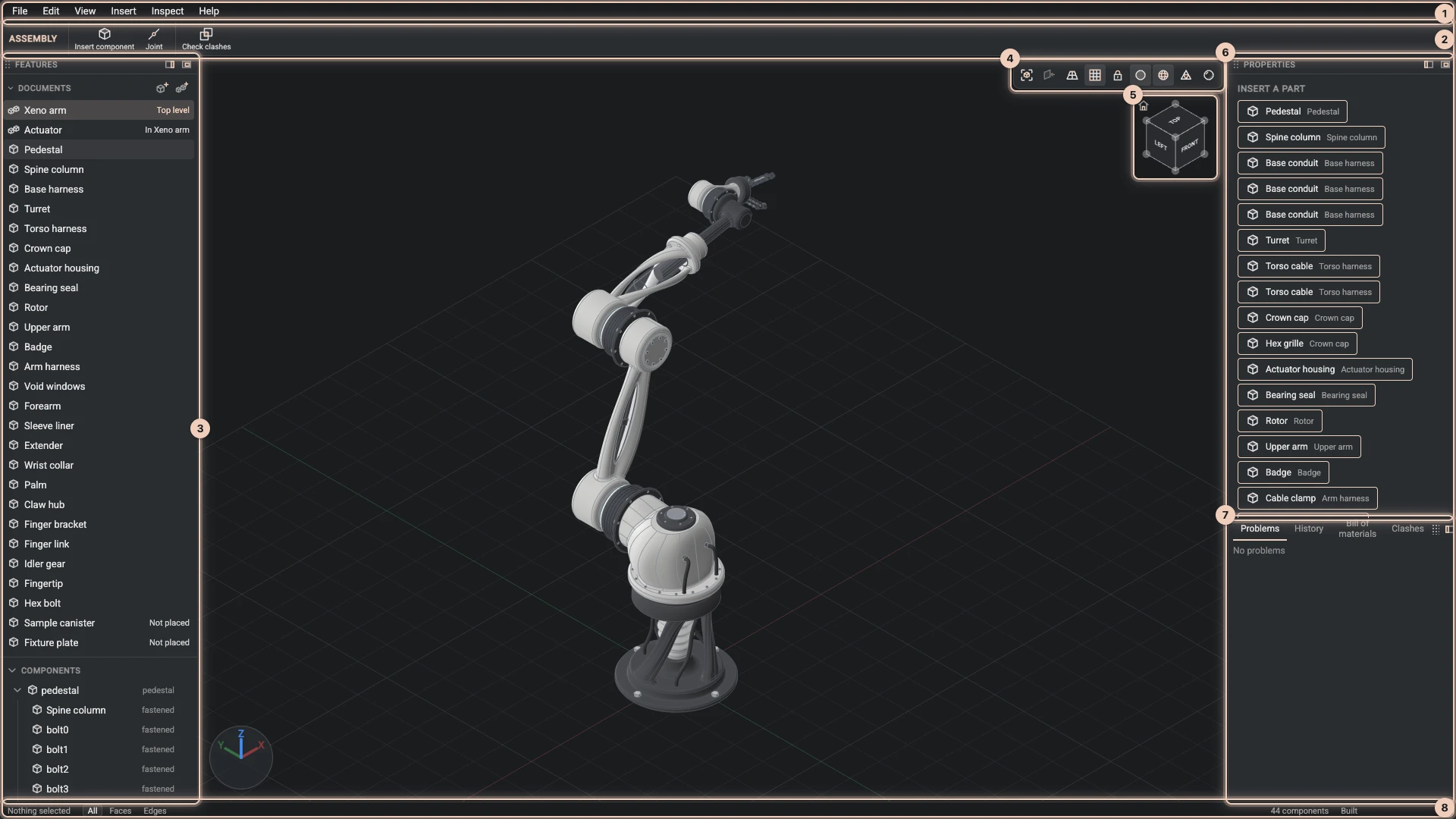
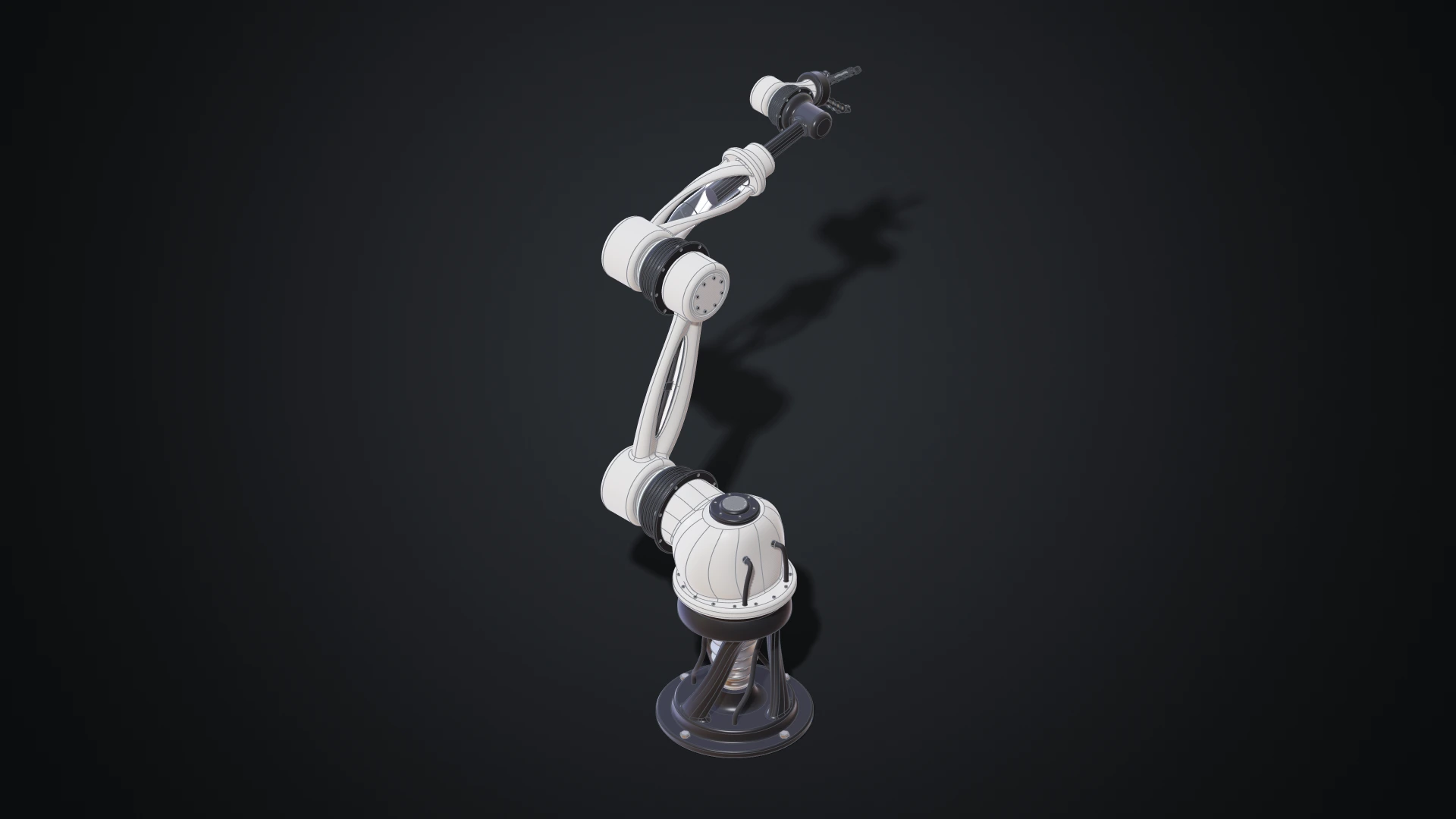
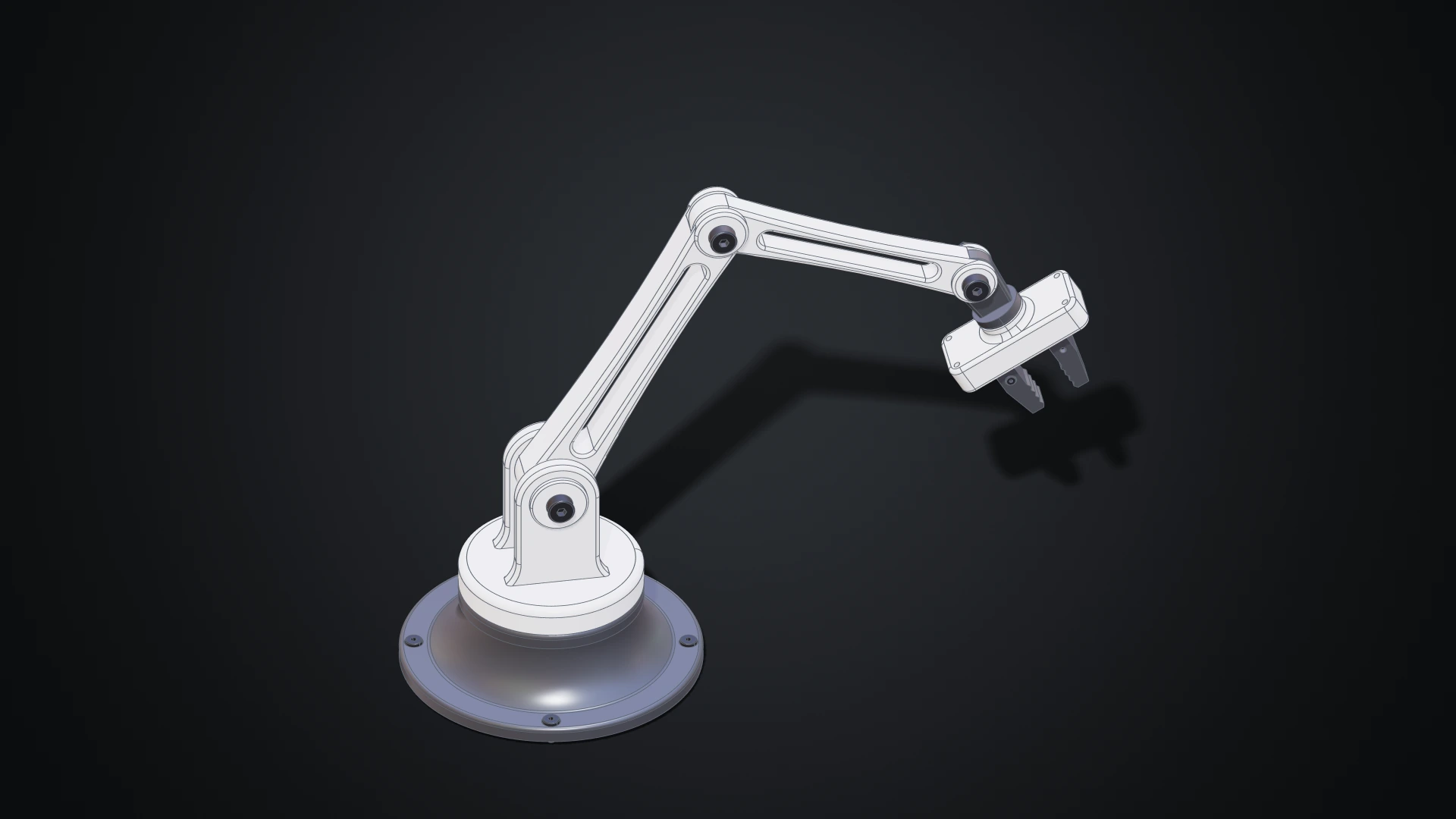
A robot arm of 77 components and 73 joints, the same jet engine as design documents with its casing that opens, and a desk arm built step by step: modelled by clicking in the Designer, where every sketch, feature and joint stays editable. Open the showcases.
A house as BIM
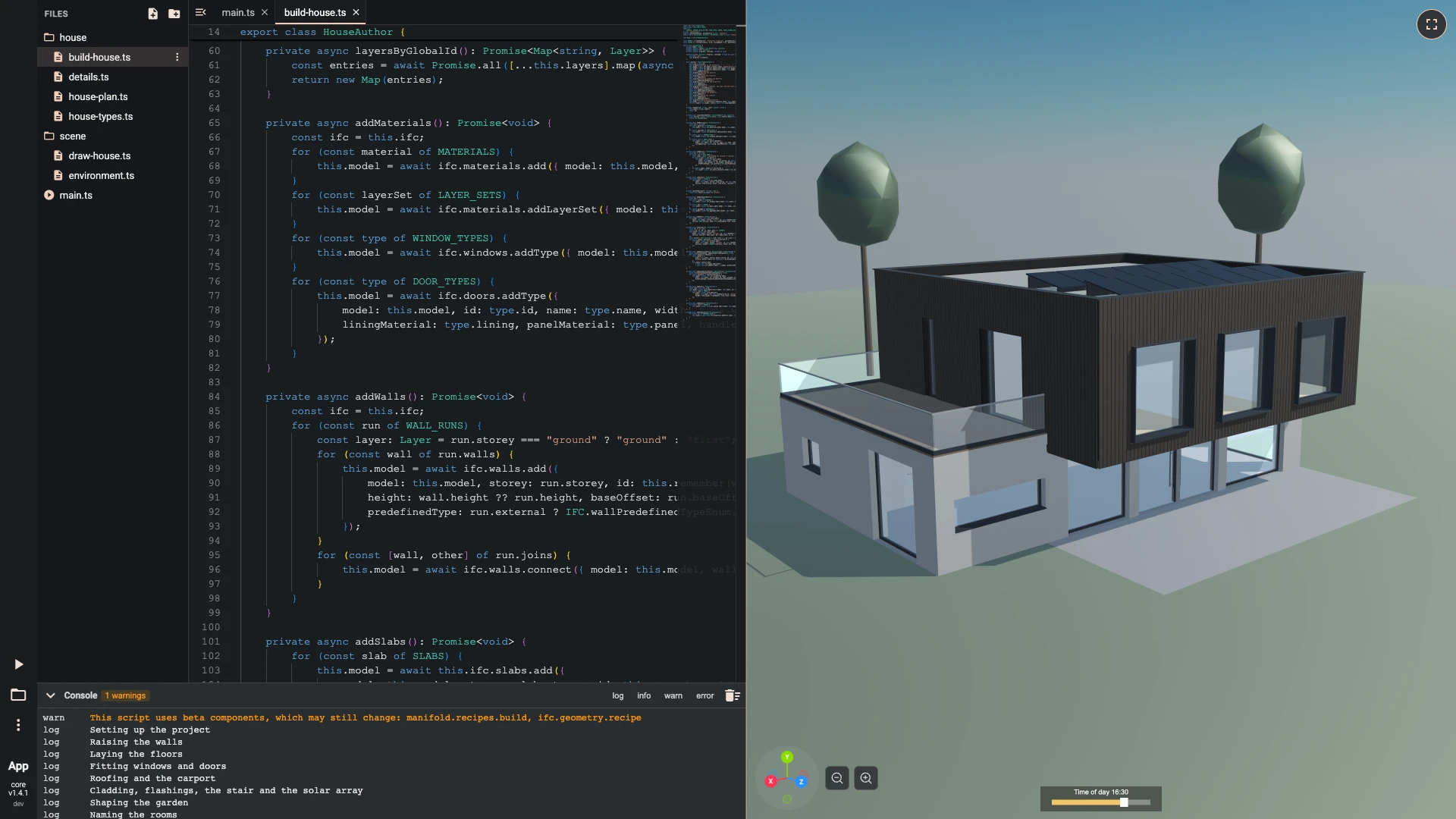
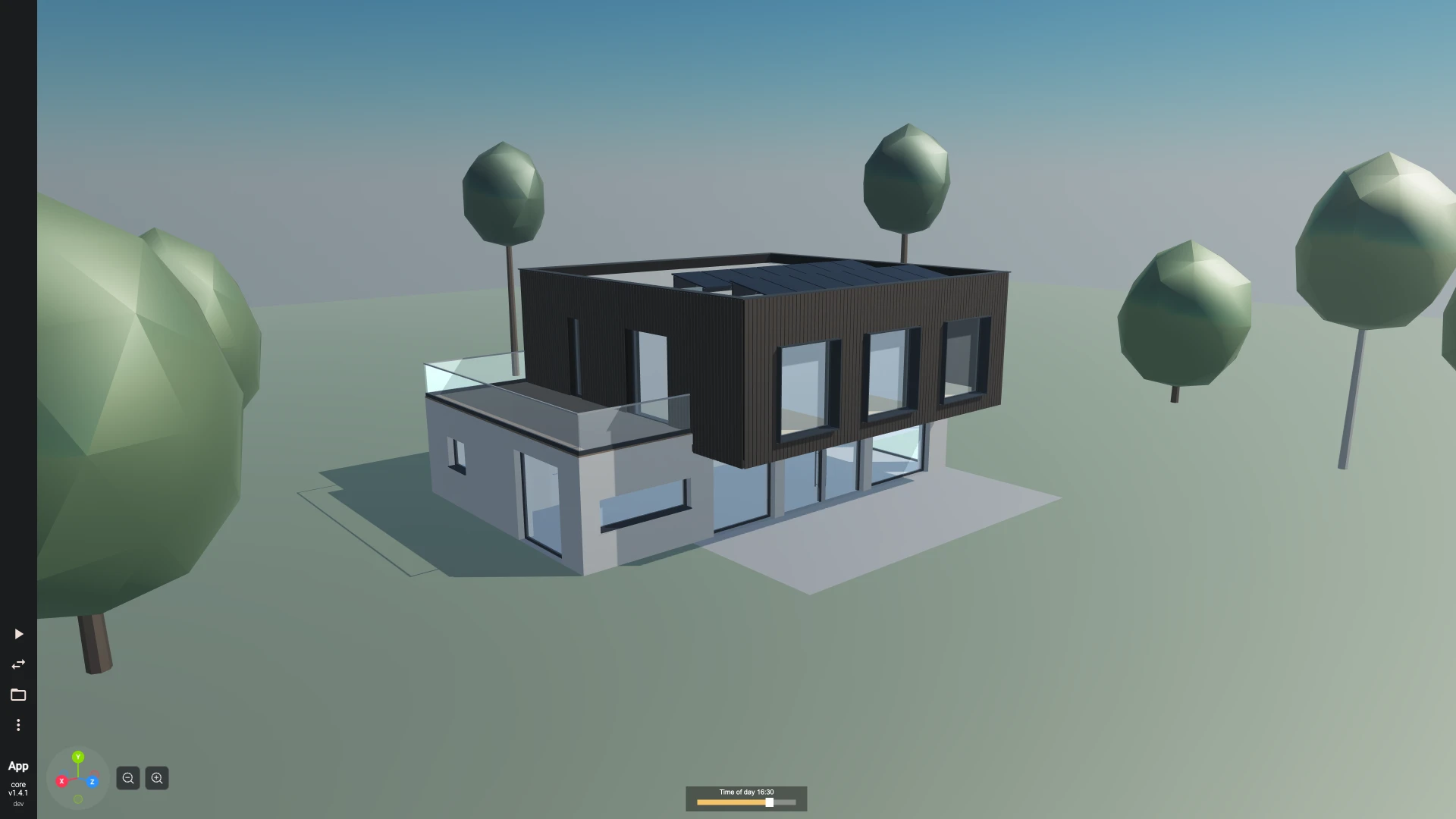
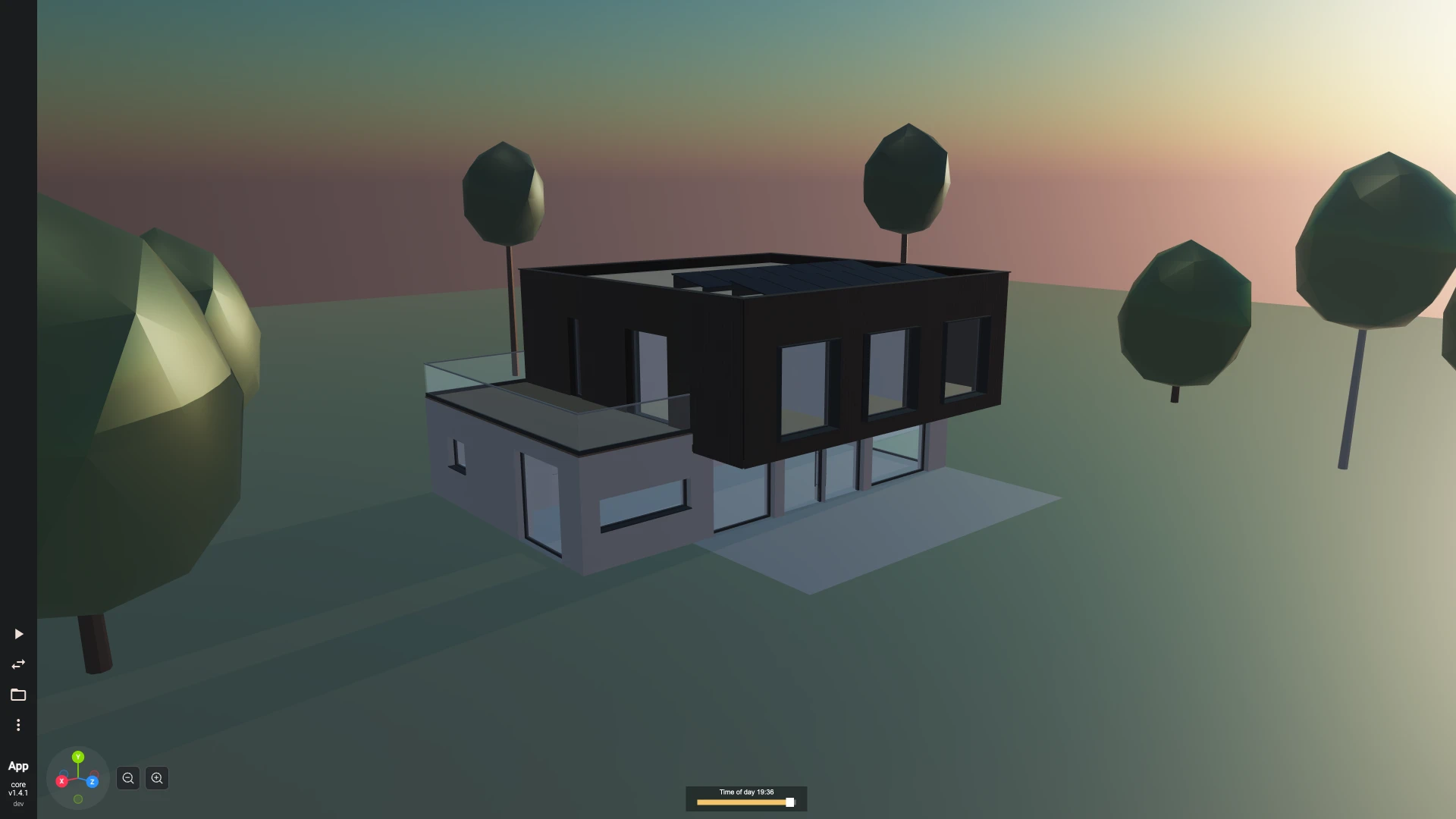
A two-storey family house written as an IFC building model, the open format architects' tools share: walls with their layers, floors, windows and doors, a flat roof with a solar array, a carport and a garden, each part knowing what it is. It is a TypeScript project you can open and change, drawn under a sky whose sun follows a slider. Open the family house.
Designing with AI
We think AI will be a large part of how things are designed, and that it fits parametric design better than anything before it. A parametric model is a set of rules, sizes, steps and relations, and rules are what a language model reads and writes well. An agent that writes rules gives you a model you can still open, measure, change and export to STEP, not a mesh you can only look at. You stay the designer: you say what you want, judge what comes back, and change a parameter rather than start again.
Bitbybit is built for that way of working:
- Agents know the exact API. The free Bitbybit CAD MCP lets Claude Code, Codex, Cursor, VS Code, claude.ai or ChatGPT look up every function, parameter and default while they write, instead of guessing from memory. The jet engine above was written this way.
- Agents can run geometry. With a key, the CAD Cloud MCP lets an agent build models on our servers and hand back STEP, glTF and mesh files.
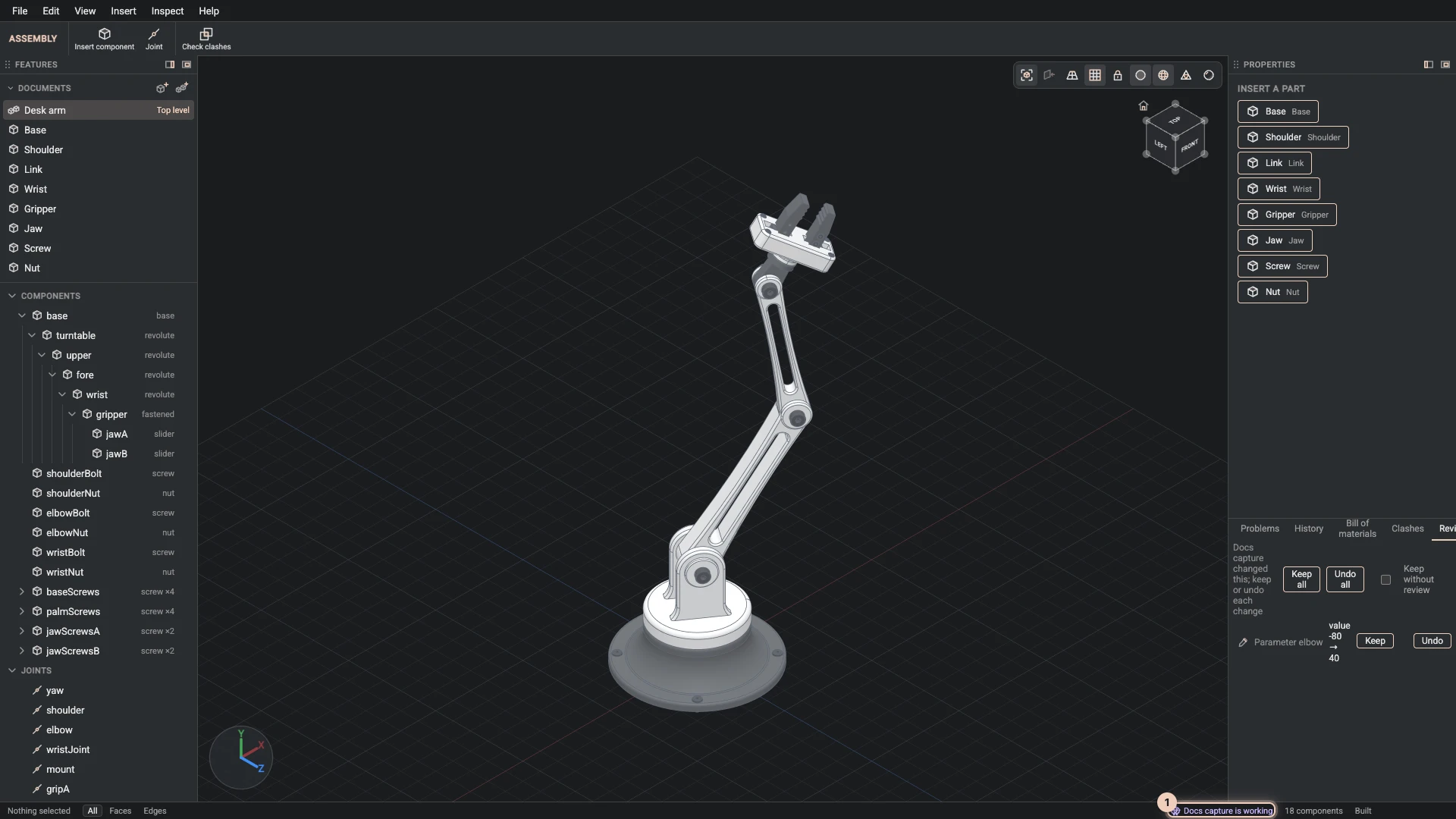
- Agents work beside you in the Designer. An agent runs the same commands you do, you watch it sketch and extrude in the view, and each of its changes waits in a Review tab until you keep it or undo it. Working with agents.
- Designs are data an agent can write. A design document holds a part or an assembly as parameters, sketches, features and joints in order; an agent writes one, you import it and keep editing it by hand.
Here an agent has changed a parameter of the desk arm in the Designer, and its change waits in the Review tab to be kept or undone:
Using AI with Bitbybit shows how to connect an agent, and the AI path where to start.
The platform at a glance
From where you work, at the top, down to the kernels that compute. Every box links to its page; the packages under a box are what it ships as on npm.
Where you work
Where it runs
What draws it
The API
The kernels, in web workers
- OpenCascadeexact solids, fillets, STEP
@bitbybit-dev/occt@bitbybit-dev/occt-worker - Manifoldfast, watertight mesh booleans
@bitbybit-dev/manifold@bitbybit-dev/manifold-worker - JSCADquick solids and text
@bitbybit-dev/jscad@bitbybit-dev/jscad-worker - IFCbuilding models (BIM)
@bitbybit-dev/ifc@bitbybit-dev/ifc-worker
How Bitbybit works walks through these layers, and the glossary explains the words they use.
See it in action
Our founder, Matas Ubarevičius, walks through the core ideas behind the platform:
Choose your path
| You are... | What you need | Start here |
|---|---|---|
| A software developer | 3D geometry in your web app or backend | Programmer path |
| An enterprise or B2B team | CAD infrastructure, or a solution built for you | Enterprise path |
| A designer | Parametric form, with nodes, blocks, code or clicks | Designer path |
| A Shopify merchant | 3D products and configurators in your store | Shopify merchant path |
| An educator | Geometry and programming in the classroom | Educator path |
| An AI agent, or the person driving one | The exact API and, with a key, hosted CAD compute | AI path |
New to all of it? Read Getting Started: projects and scripts, then your first script in an editor.
Into your own website
Most people who build with Bitbybit want 3D in a website of their own. There are five ways in, from no code to a full integration:
- Embed a published project. Publish a project on bitbybit.dev and embed its preview with an
<iframe>; no code at all. Publishing. - A runner. One script file from our CDN, or hosted by you, runs a script exported from an editor, or your own JavaScript, on any page. Runners.
- npm packages. The free packages in your React, Angular, Vue, Svelte or plain JavaScript app, with BabylonJS, ThreeJS or PlayCanvas;
npx @bitbybit-dev/create-appsets one up. npm packages. - CAD Cloud. Your backend asks our servers for STEP, glTF or mesh files, through the REST API or the TypeScript SDK. CAD Cloud API.
- An AI agent. Claude Code, Codex, Cursor, VS Code, claude.ai or ChatGPT look up the exact API while they write, and with a key run geometry on CAD Cloud. Using AI.
In this walk-through, recorded for version 1.0, Matas explains these integration paths with live examples:
Free and paid
The core is free: the geometry packages are MIT-licensed, with open-source TypeScript (OpenCascade and the other libraries they use keep their own licenses, and the C++ layer of the Bitbybit OCCT Kernel they ship is closed source), the runners are free to deploy, and the three coding editors and the Bitbybit CAD MCP cost nothing.
- Silver and Gold add cloud space, the platform algorithms that need a plan, community projects, the converter and the 3D inspector; Gold adds the Designer. Plans compares them.
- CAD Cloud is sold as API keys with a monthly allowance of compute.
- 3D Bits has its own Shopify plans.
- Enterprise work is custom development and managed infrastructure.
The paid products fund the free core. Platform & Products describes each one, and our approach to open source says what is open.
Next steps
- How Bitbybit works - kernels, workers, drawing and where your code runs.
- Getting Started - projects, scripts and the editors.
- The Designer - parametric CAD by clicking.
- Code - the API, one namespace at a time.
- Our vision - why Bitbybit exists.
Verified against the product in October 2026