For Computational Designers
Whether you are new to parametric design or if you are familiar with tools like Grasshopper, Dynamo, or Blender Geometry Nodes, Bitbybit gives you a browser-based environment to work in - with nothing to install.
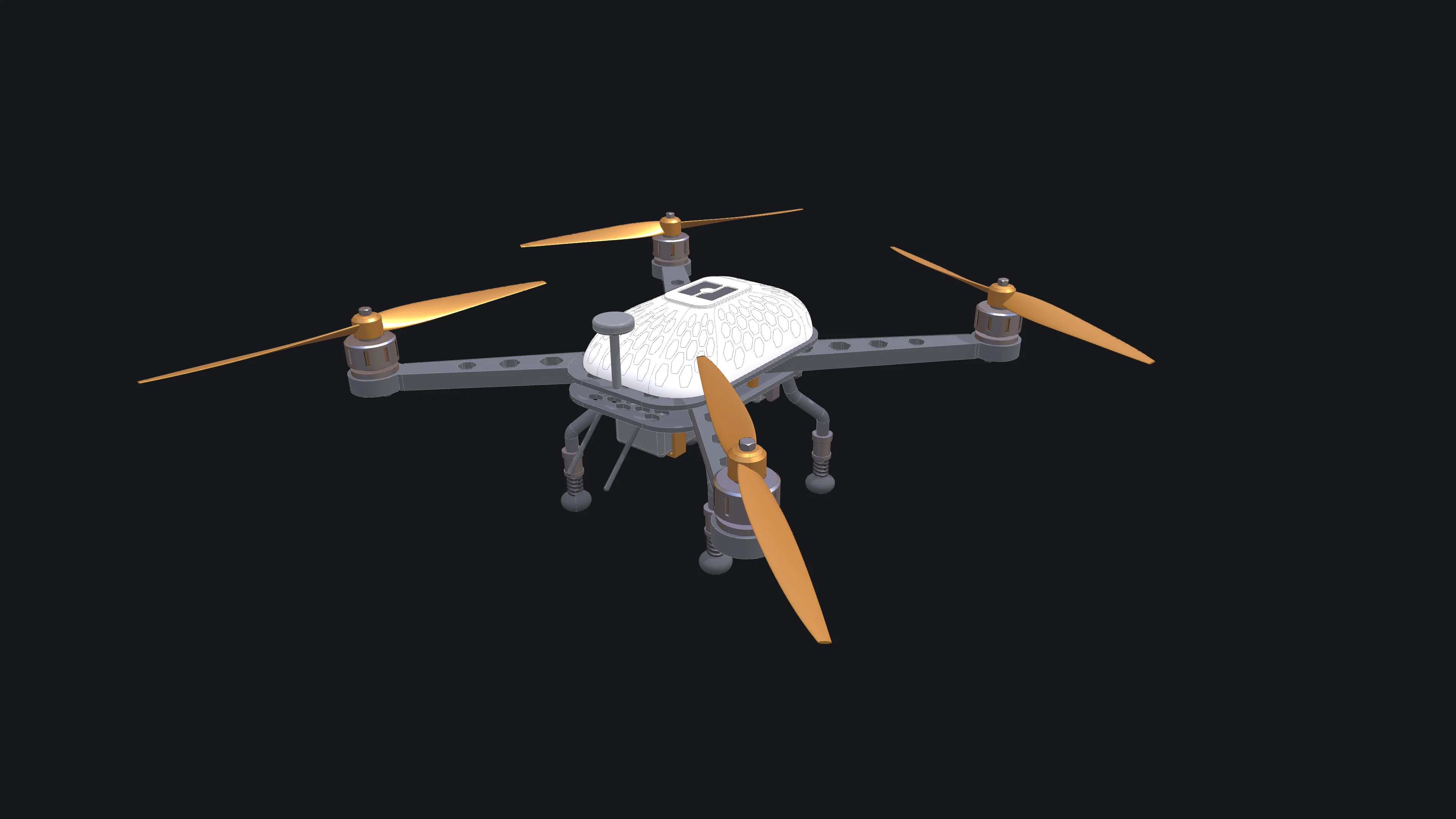
The drone above is built step by step in the Rete tutorial, and the same drone in Blockly and TypeScript.
If You Are Just Starting Out
- Open the Blockly editor. It uses drag-and-drop blocks to teach geometry logic without syntax errors.
- Browse public projects to see how other users approach problems.
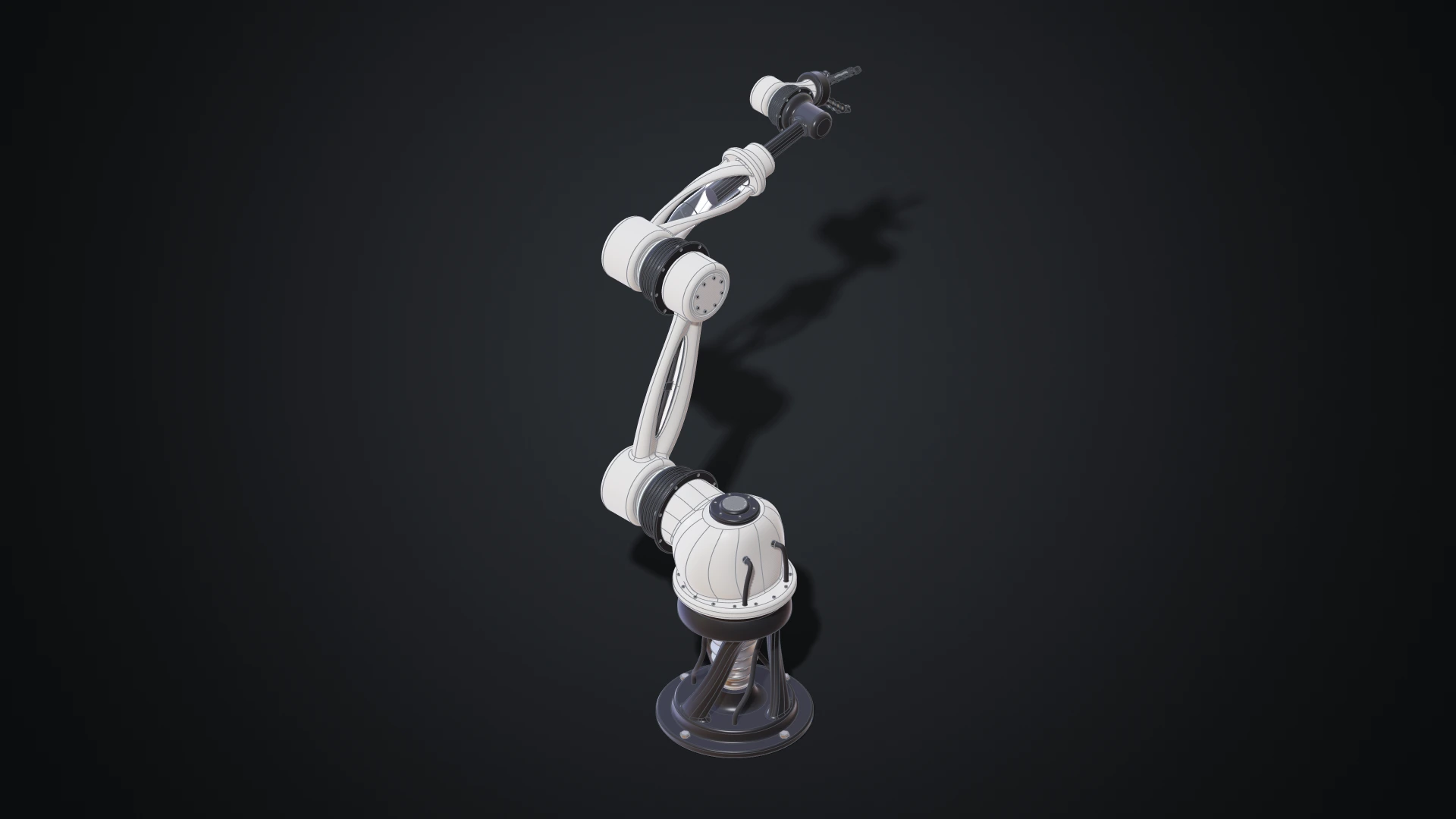
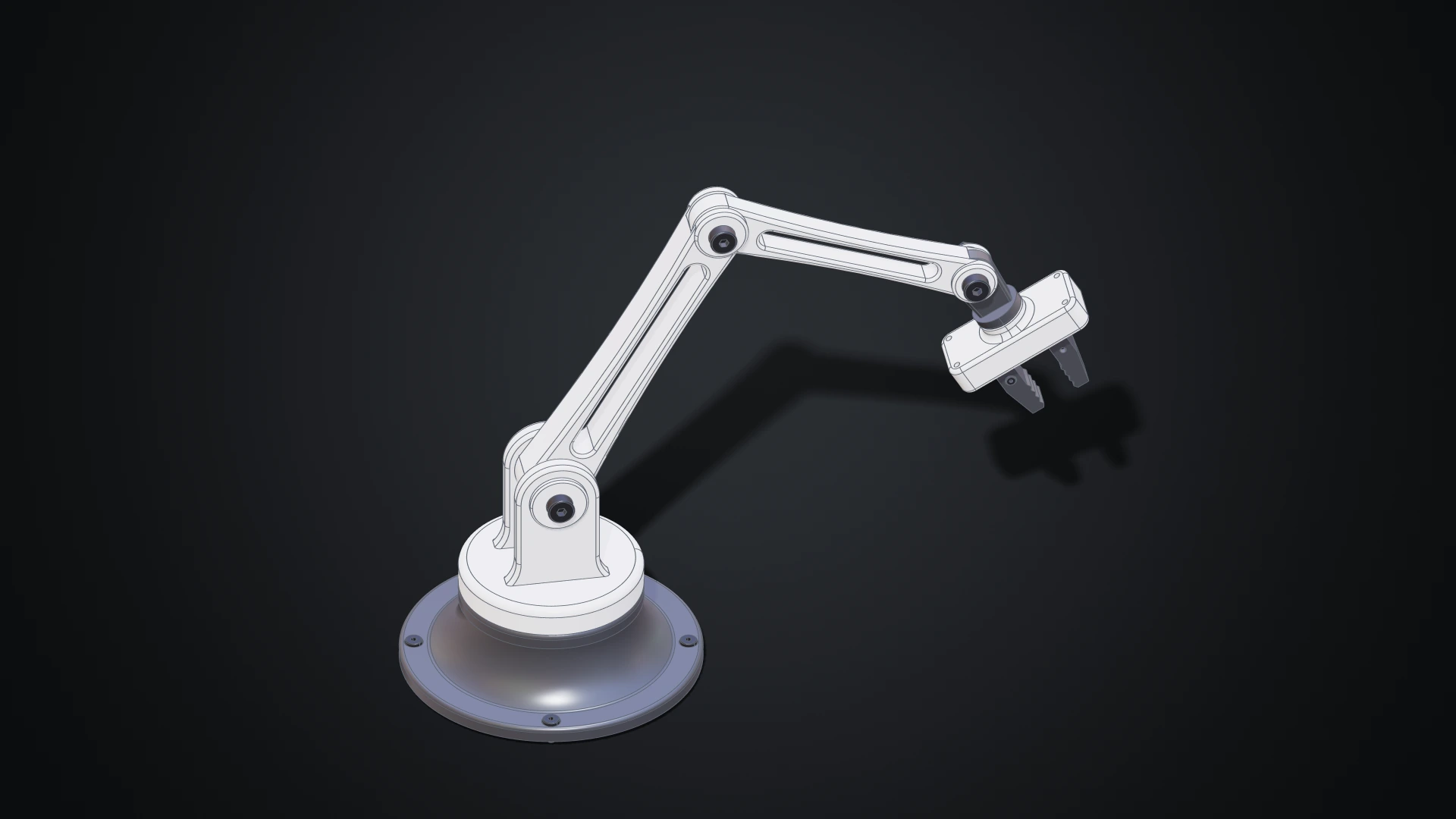
- Follow the Designer tutorials step by step, from a first part to a whole robot arm.
If You Are Experienced
- The Rete editor provides a node-based workflow familiar to Grasshopper and Geometry Nodes users.
- The TypeScript editor gives you full programmatic control with autocomplete and type safety.
If You Prefer to Model by Clicking
The Designer is a parametric CAD modeller in the style of desktop CAD programs: sketch, extrude, fillet and assemble parts with the mouse, while every step stays editable. It is part of the Gold plan, and Make your first part is the place to start.
Deploying Your Work
You don't need frontend engineering skills to put your designs on the web. Export your script from any visual editor, then use a Bitbybit Runner to execute it on any webpage - your portfolio, a client presentation, or a sandbox like CodePen. You can also write custom JavaScript against our type definition files for more advanced deployments.